What Is Anthropic’s Claude Cowork — and Who Is It Actually For?
by Ara Zhang, Jan 26, 2026
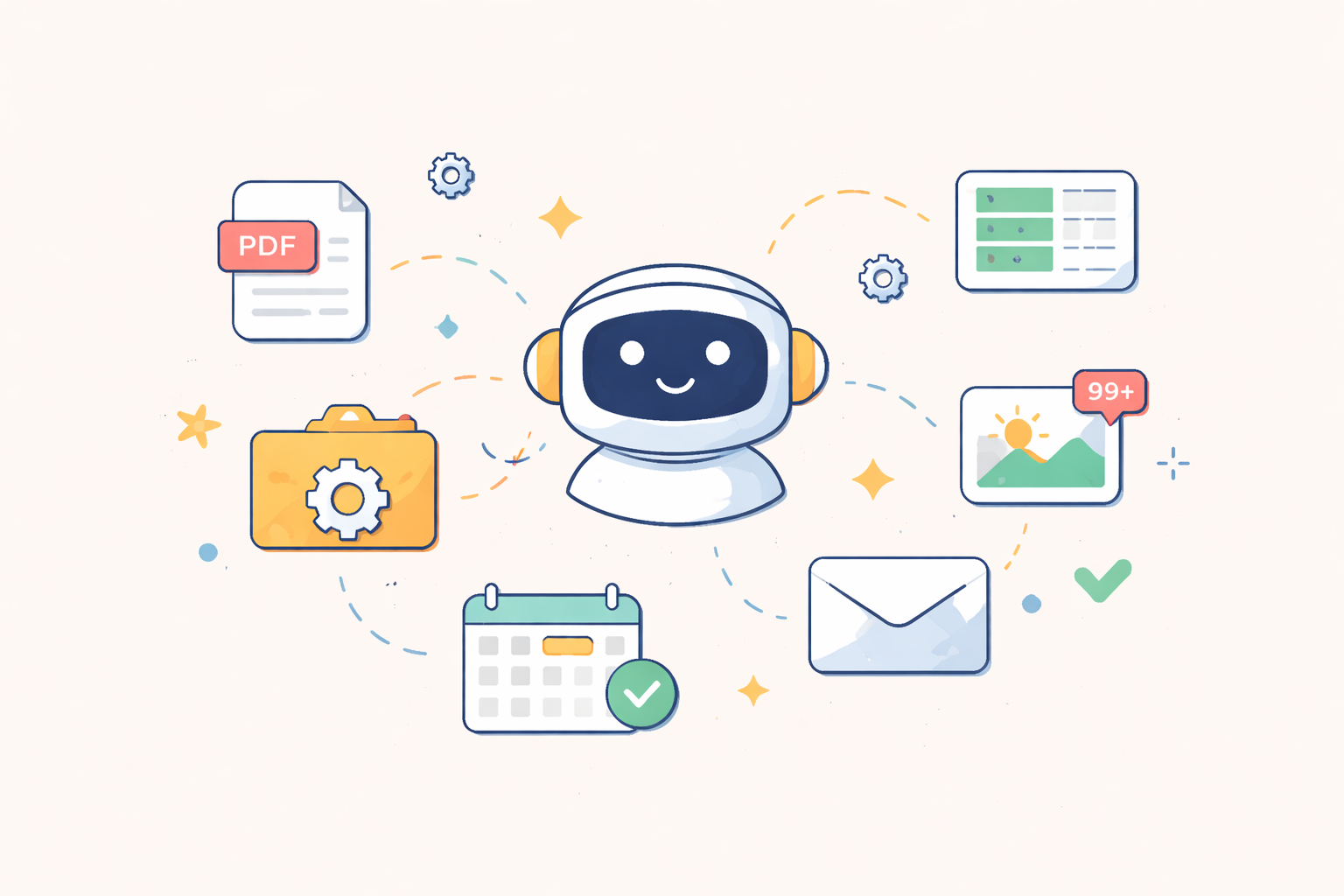
Over the past few weeks, Claude Cowork was discussed and mentioned repeatedly, often alongside discussions about AI agents, desktop automation, and the future of non-coding workflows.
At first glance, it wasn’t obvious what made Cowork different from Claude Desktop, Claude Code, or other AI copilots. After digging through the docs and early user discussions, we want to give you a clear view of what it is, and who Cowork is actually meant for.
What Is Claude Cowork?
Claude Cowork is an AI agent designed to operate directly on your computer files and everyday workflows, rather than functioning purely as a chat-based assistant.
Instead of prompting Claude step-by-step, you can give Cowork a task, grant access to a folder or workflow, and let it execute multi-step actions while keeping you informed.
In practical terms, Cowork can:
- Read, edit, rename, and organize files
- Convert file formats (PDFs, images, spreadsheets, screenshots)
- Generate structured reports from messy documents or visual inputs
- Use the browser (with permission) to:
- Search the web
- Clean inboxes
- Update calendars
- Plan multi-step workflows and execute them with human-in-the-loop oversight
This moves Claude from thinking with you to working alongside you.
How Is Cowork Different From Other AI Copilots?
Most AI copilots today focus heavily on:
- Coding
- IDE-based workflows
- Technical automation
Cowork, by contrast, is intentionally non-technical and desktop-first.
It targets the massive surface area of digital work that happens outside code:
- Files
- PDFs
- Screenshots
- Notes
- Emails
- Browser-based tasks
Think of it less as “Claude Code, but better,” and more as Claude for people who don’t want to see a terminal window at all.
Who Is Claude Cowork For?
Cowork shines for people who spend their days navigating digital clutter rather than writing code.
It’s especially useful for:
- Non-technical professionals
(operations, PMs, researchers, founders, legal, finance) - People drowning in files
PDFs, screenshots, folders, scattered notes - Anyone who hates repetitive digital cleanup
- Teams that already trust Claude’s reasoning
and now want it to do things, not just suggest them - Early adopters experimenting with agent-style workflows
If your pain point is “too many files, too many steps, too much manual cleanup”, Cowork makes immediate sense.
When Cowork Is Not a Good Fit
Cowork is probably not ideal if:
- You primarily want help writing or debugging code
- You need fully autonomous automation with no supervision
- You regularly handle highly sensitive or regulated data
In those cases, Claude Code, custom agent stacks, or tightly governed enterprise tools may still be a better choice.
The Bigger Picture: Why Cowork Exists
Cowork isn’t just a feature — it’s a signal.
Anthropic is clearly betting that:
- The next wave of AI adoption isn’t developers
- It’s knowledge workers who never want to touch a CLI
Cowork lowers the barrier from:
“Learn tools → automate work”
to
“Give intent → observe execution”
It effectively commoditizes basic file access and workflow execution, while Anthropic’s long-term moat likely becomes:
- Governance
- Permissioning
- Cross-tool verification
- Human-in-the-loop control
Final Take
Claude Cowork isn’t trying to replace Claude Code or power users with deep custom stacks.
It’s designed to absorb the huge middle ground of digital work:
- Non-technical
- File-heavy
- Repetitive
- Contextual
If Claude Desktop is your thinking partner, Cowork is the colleague who actually cleans up the mess.
Source
Getting Started with Cowork
https://support.claude.com/en/articles/13345190-getting-started-with-cowork
More Must-read AI Concepts: https://www.aiforabsolutebeginners.com/ai-concepts
---
Related Articles
- What is Ethical AI?
- What is Neural Network?
- Top AI Newsletters Popular in 2025 (Including New Launches)
